Trees in DSA: Introduction & Terminology
A tree is a hierarchical data structure made of nodes connected by edges, where every node has exactly one parent except a single special node called the root. Unlike arrays or linked lists, a tree is non-linear: data branches out, which makes trees perfect for modelling hierarchies — file systems, org charts, the DOM, and search structures. This page builds the vocabulary you’ll use across every other tree page.
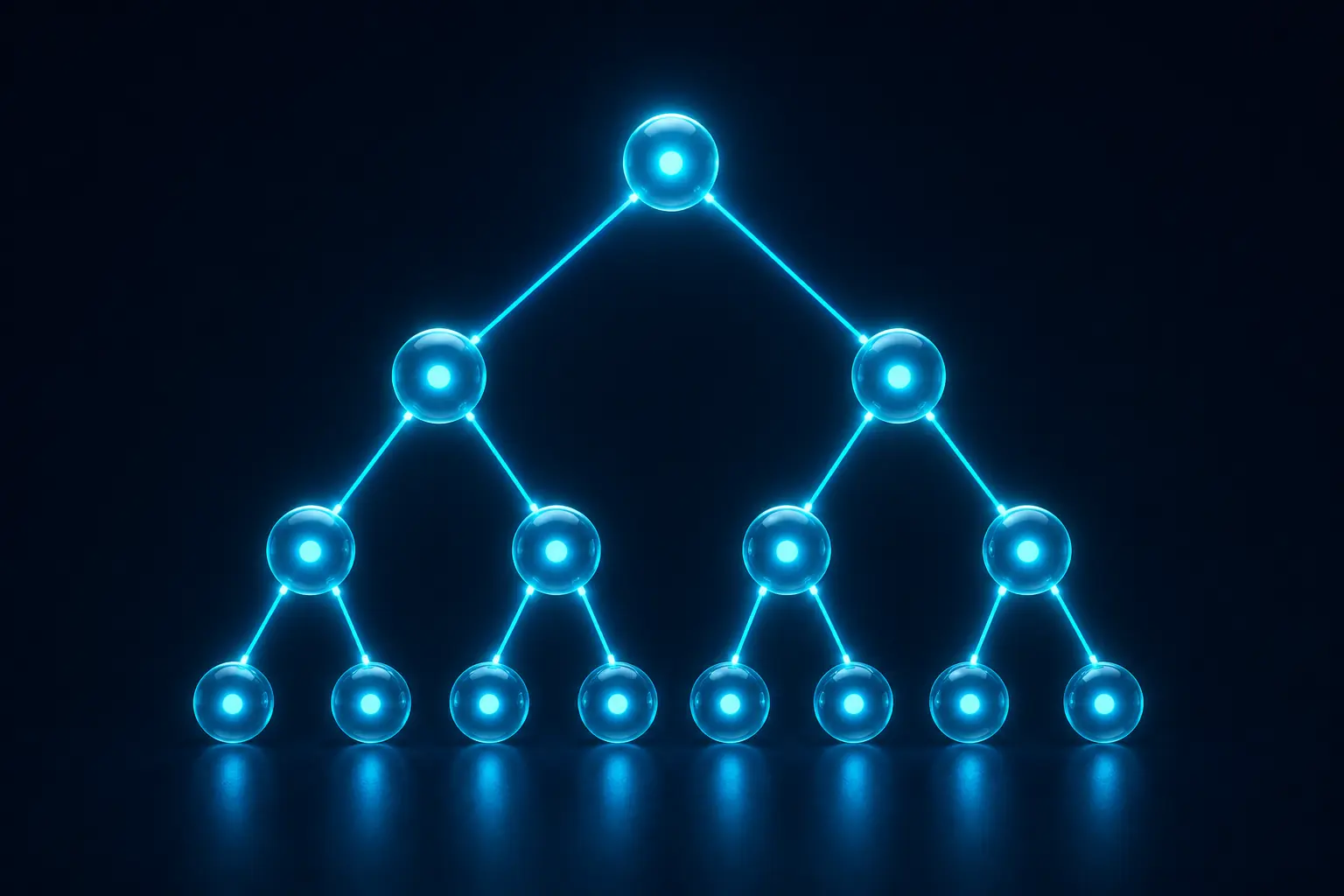
The shape of a tree
Picture a family tree drawn upside down: the root sits at the top, and branches fan downward to children. A node that points to other nodes is a parent; the nodes it points to are its children. A node with no children is a leaf.
            (1)          <- root
           /   \
        (2)     (3)      <- internal nodes
        /  \       \
     (4)   (5)     (6)   <- leaves (4, 5, 6)
Core terminology
Learn these terms once and the rest of the course reads smoothly:
- Root: the topmost node; it has no parent.
- Parent / child: if an edge goes from
Adown toB, thenAis the parent andBis the child. - Siblings: nodes that share the same parent.
- Leaf (external node): a node with no children.
- Internal node: a node with at least one child.
- Edge: the link connecting a parent to a child. A tree with
nnodes has exactlyn - 1edges. - Subtree: any node together with all of its descendants forms a tree of its own.
Depth vs height
These two are easy to mix up, so pin them down now:
- Depth of a node: the number of edges from the root down to that node. The root has depth
0. - Height of a node: the number of edges on the longest path down to a leaf. A leaf has height
0. - Height of the tree: the height of its root (equivalently, the maximum depth of any node).
For beginners: Depth counts down from the top; height counts up from the bottom. In the diagram above, node
4has depth2, and the tree’s height is2.
Defining a node in code
The most common tree is the binary tree, where each node has at most two children — left and right. Here is the idiomatic TreeNode you’ll reuse throughout this course:
struct TreeNode {
    int val;
    TreeNode* left;
    TreeNode* right;
    TreeNode(int x) : val(x), left(nullptr), right(nullptr) {}
};
class TreeNode {
int val;
TreeNode left, right;
TreeNode(int val) { this.val = val; }
}class TreeNode {
constructor(val) {
this.val = val;
this.left = null;
this.right = null;
}
}class TreeNode:
def __init__(self, val):
self.val = val
self.left = None
self.right = NoneWhy trees matter
Trees give you the best of two worlds: fast search like a sorted array and fast insertion like a linked list. A balanced search tree supports lookup, insert, and delete in O(log n) time. Trees also model recursion naturally — almost every tree algorithm is a few lines of recursion.
Going deeper: A tree is just a special graph — connected and acyclic. Everything you learn here transfers directly to graphs.
Where to go next
Now that the vocabulary is solid, move on to binary trees to see the most important tree type up close, then learn to walk a tree with tree traversals. Ready to test yourself? Try the tree exercises.